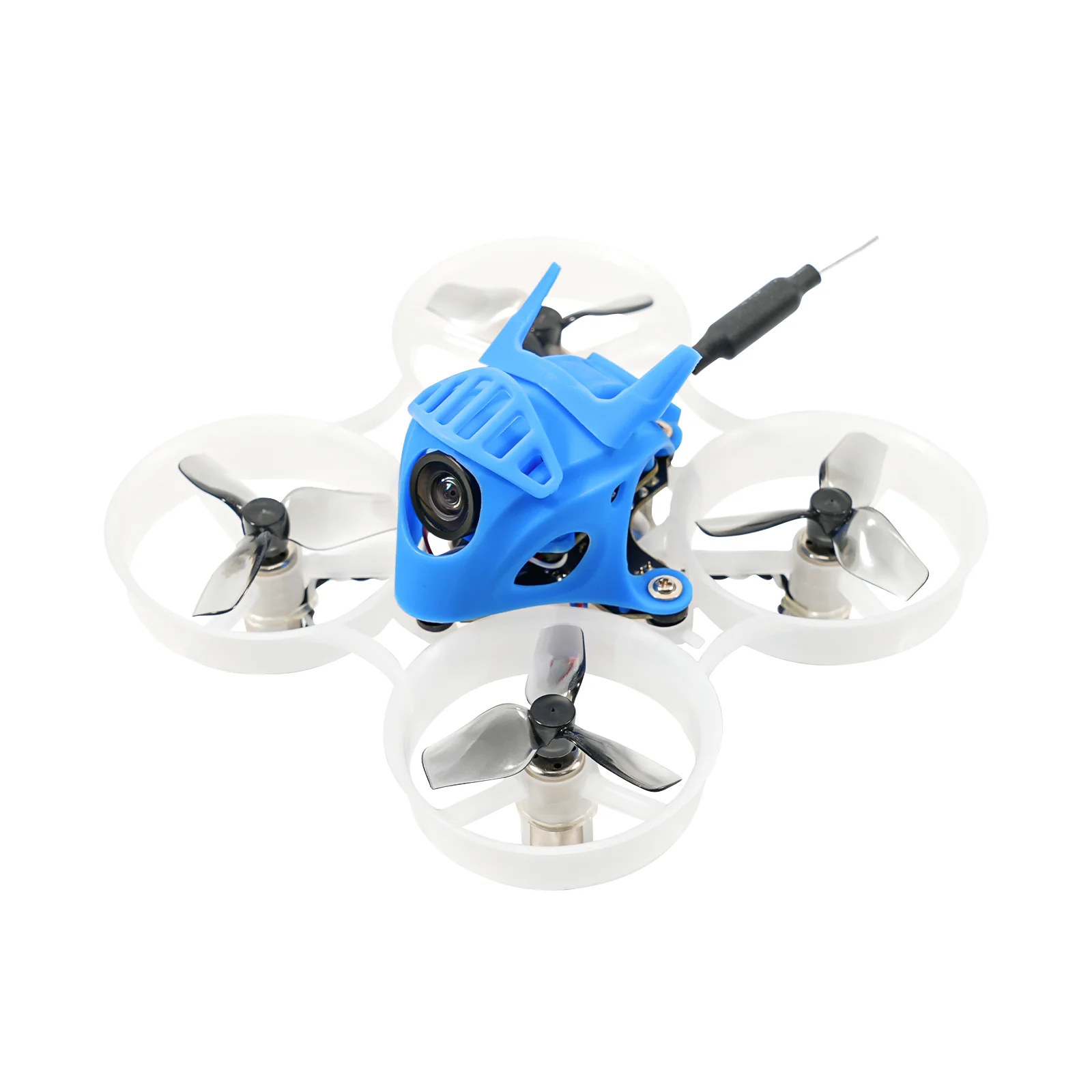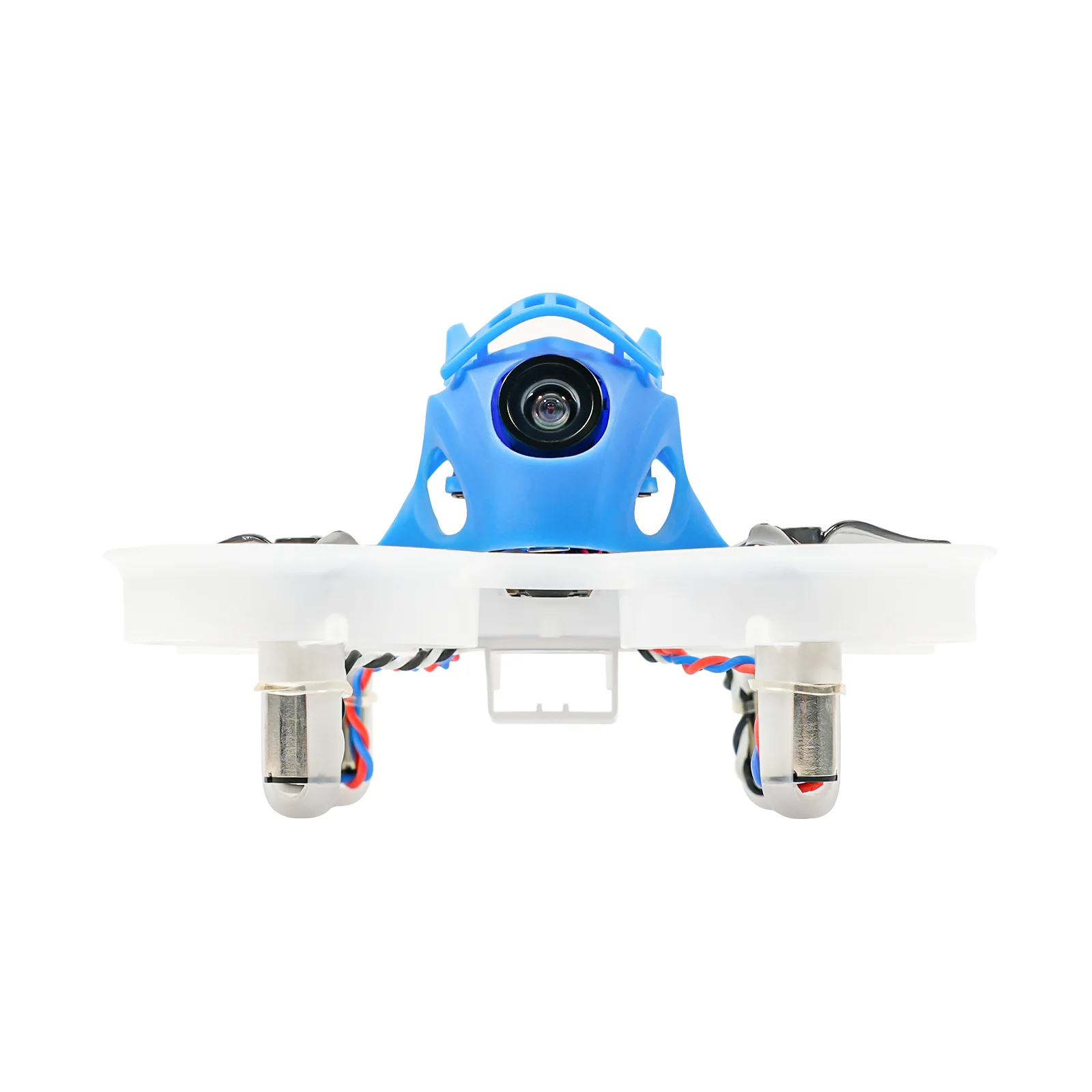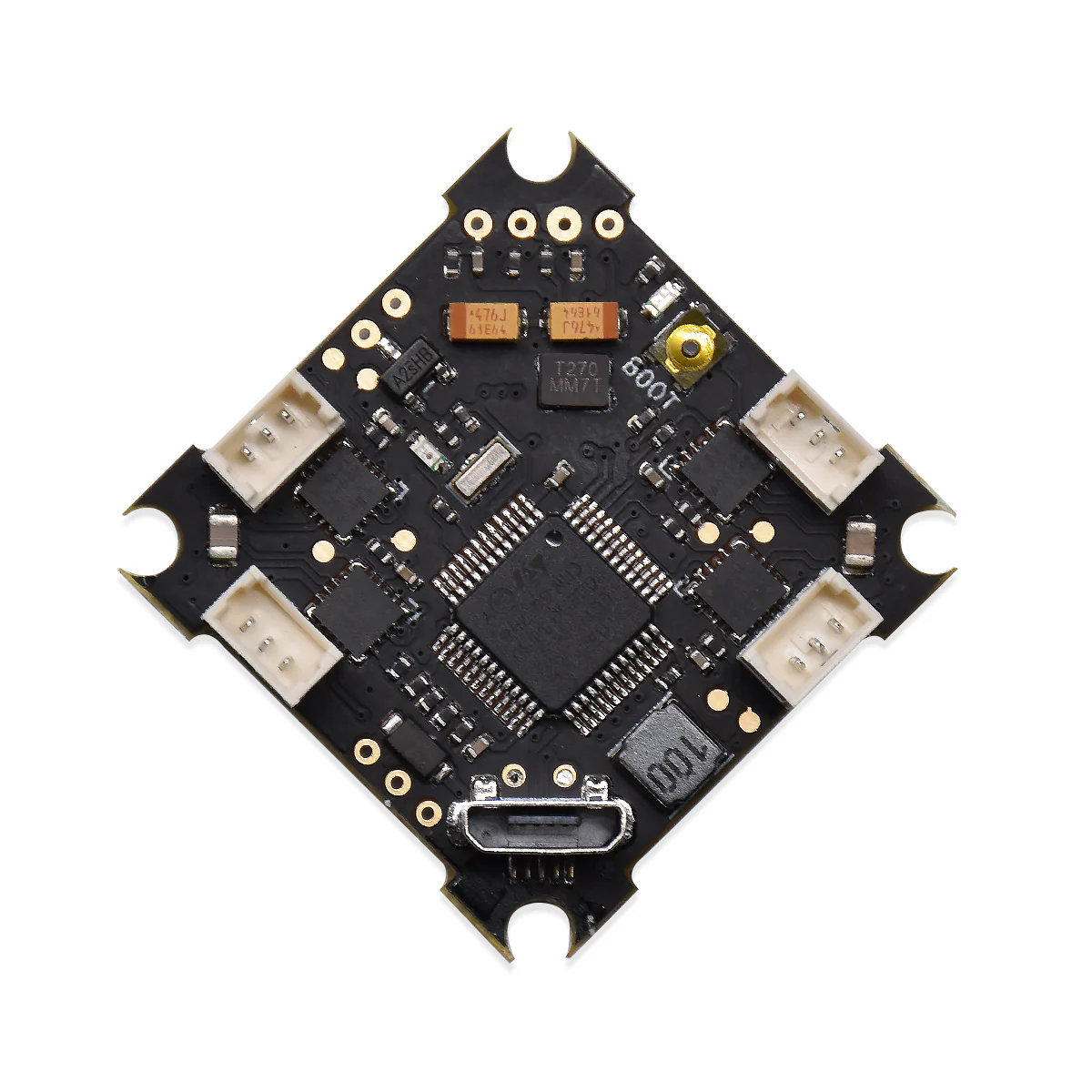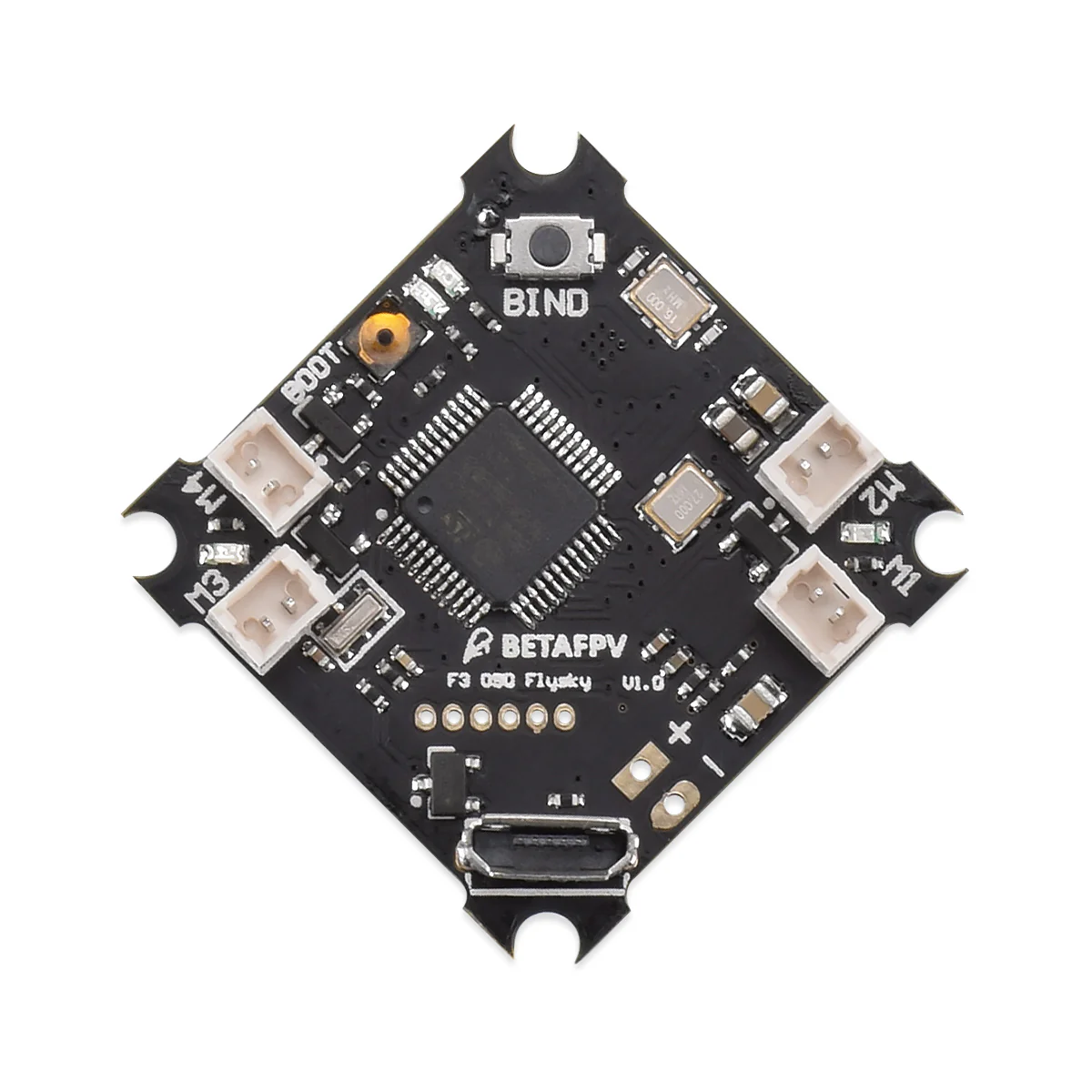
F3 Brushed Flight Controller (Flysky Rx + OSD V1)
We are sorry to announce that F3 Brushed FC is discontinued and will not be available for sales anymore. We recommend you buy its great alternative F4 Brushed Flight Controller (Frsky Rx + OSD).
Finally, BETAFPV is in the community of Flysky pilots.

Key Features
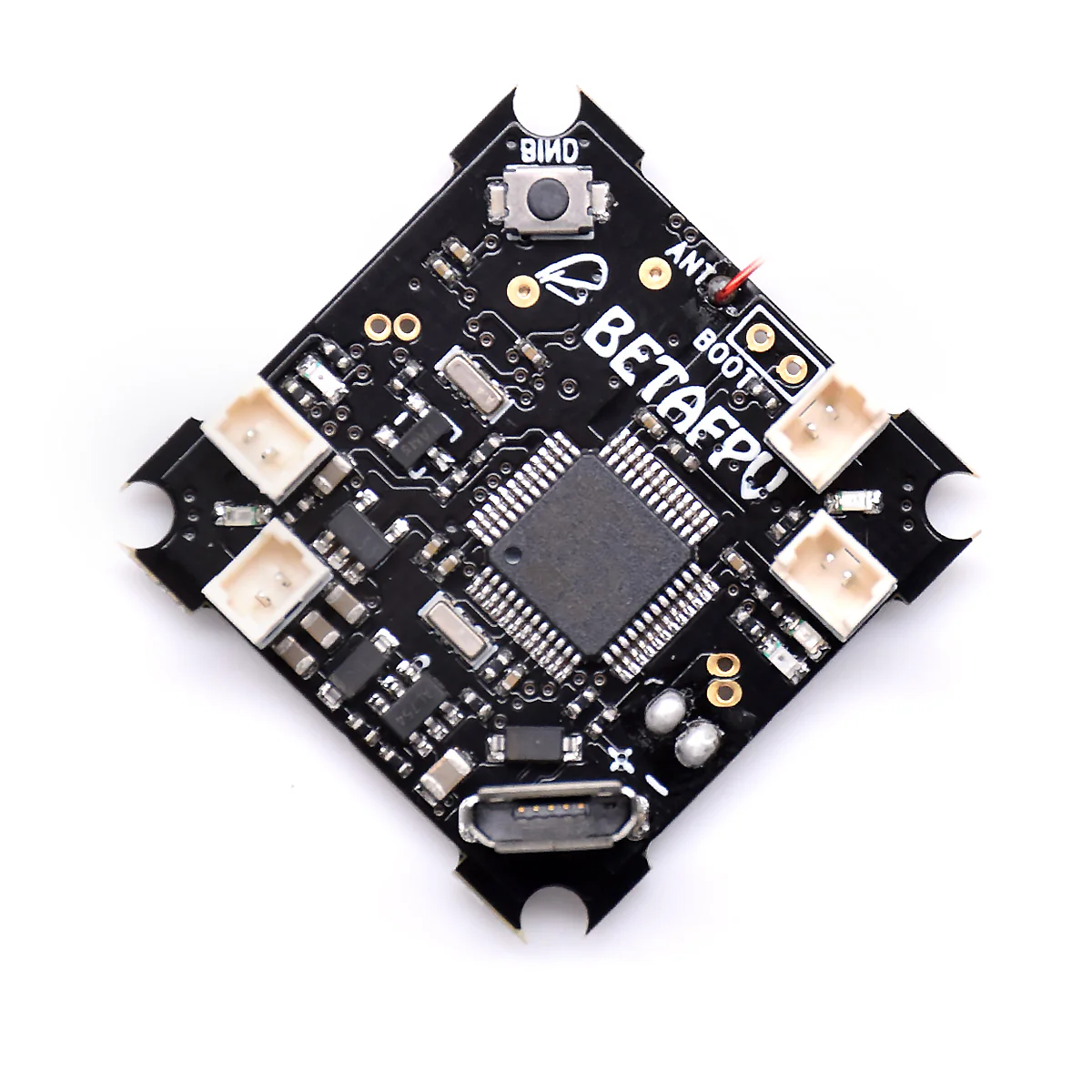
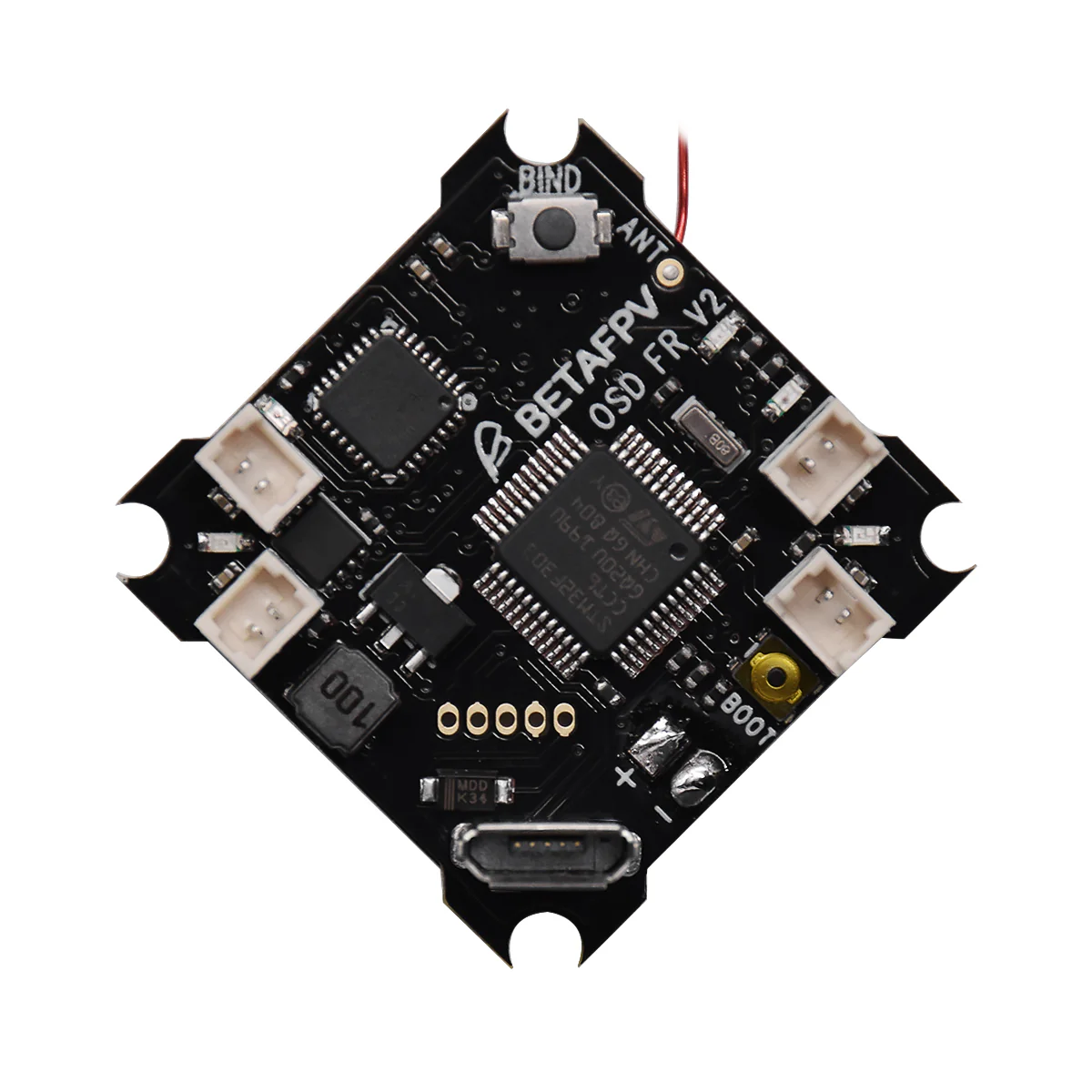
- This F3 flight controller intergrate BetaFlight OSD, SPI FlySky Rx, BetaFlight firmware, born for acro flight controller for the Micro Whoop or Blade Inductrix quadcopter.
- Fully programmable through Betaflight, using the onboard USB port, tune all the parameters, PID's, and rates to your perfect settings
- Designed to work with current Whoop Drone or Blade Inductrix setups
- Built in SPI Flysky protocol native receiver, compatible with almost ALL Flysky radios(e.g. FS-I6/FS-I6S) or Flysky compatible transmitter like Turnigy Evolution etc
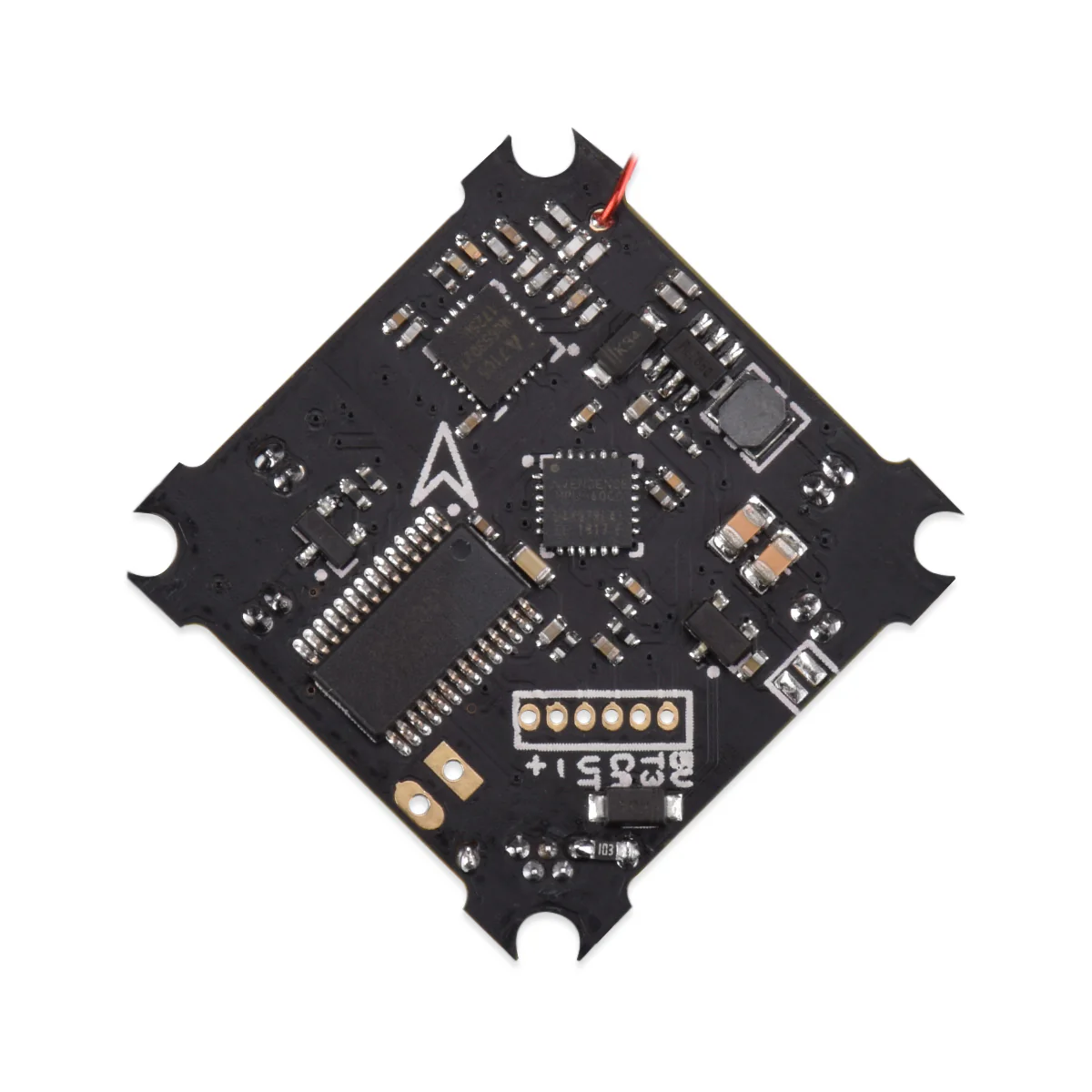
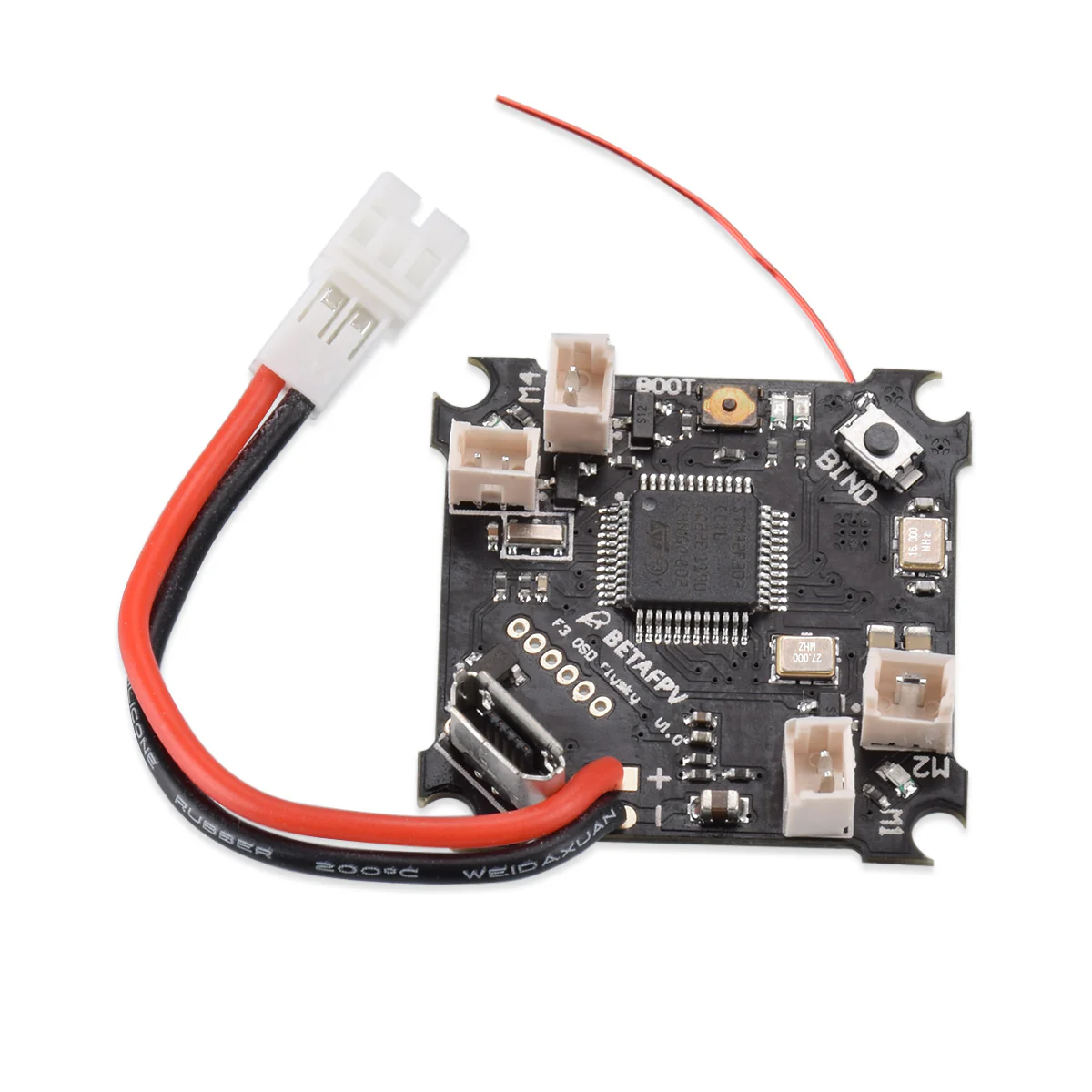
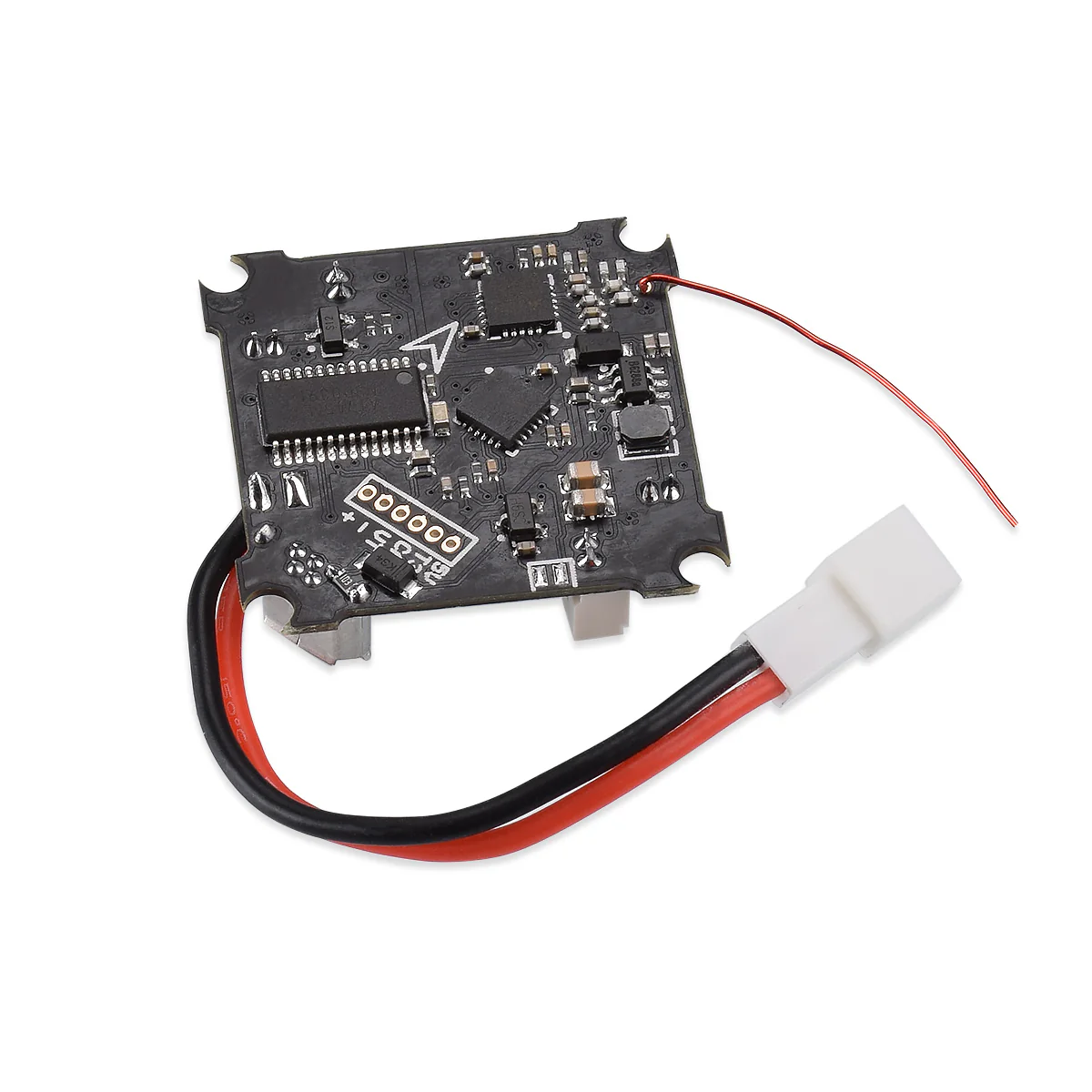
- The flight controller board comes pre-flashed with Betaflight firmware, and pre-soldered 55mm power cable pigtail with JST-PH 2.0 connector, AKA PowerWhoop connector.


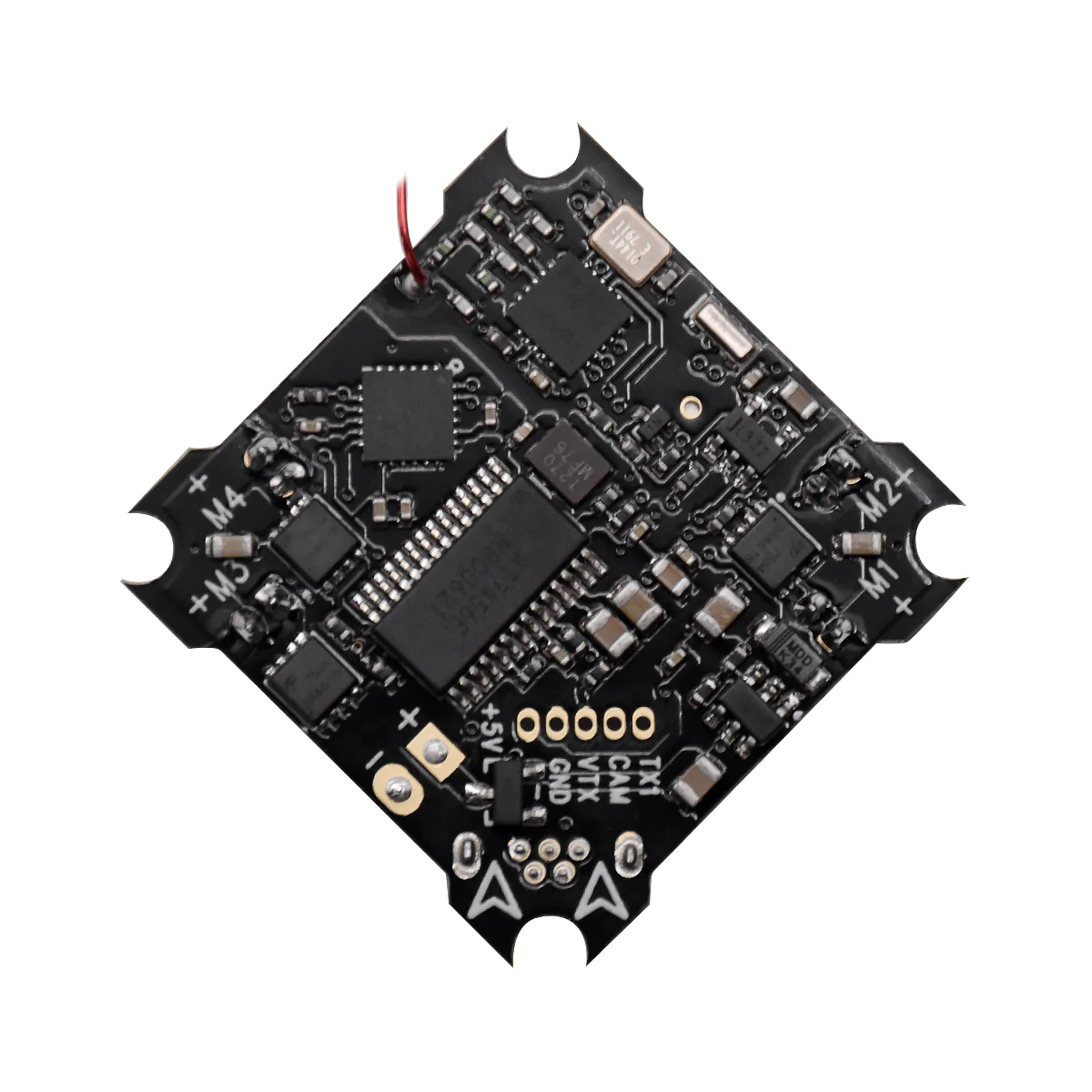
Note: The silkscreen of the "M1, M2, M3, M4" on the board are messed up.
Specifications
- CPU: STM32F303
- Six-Axis: MPU6000
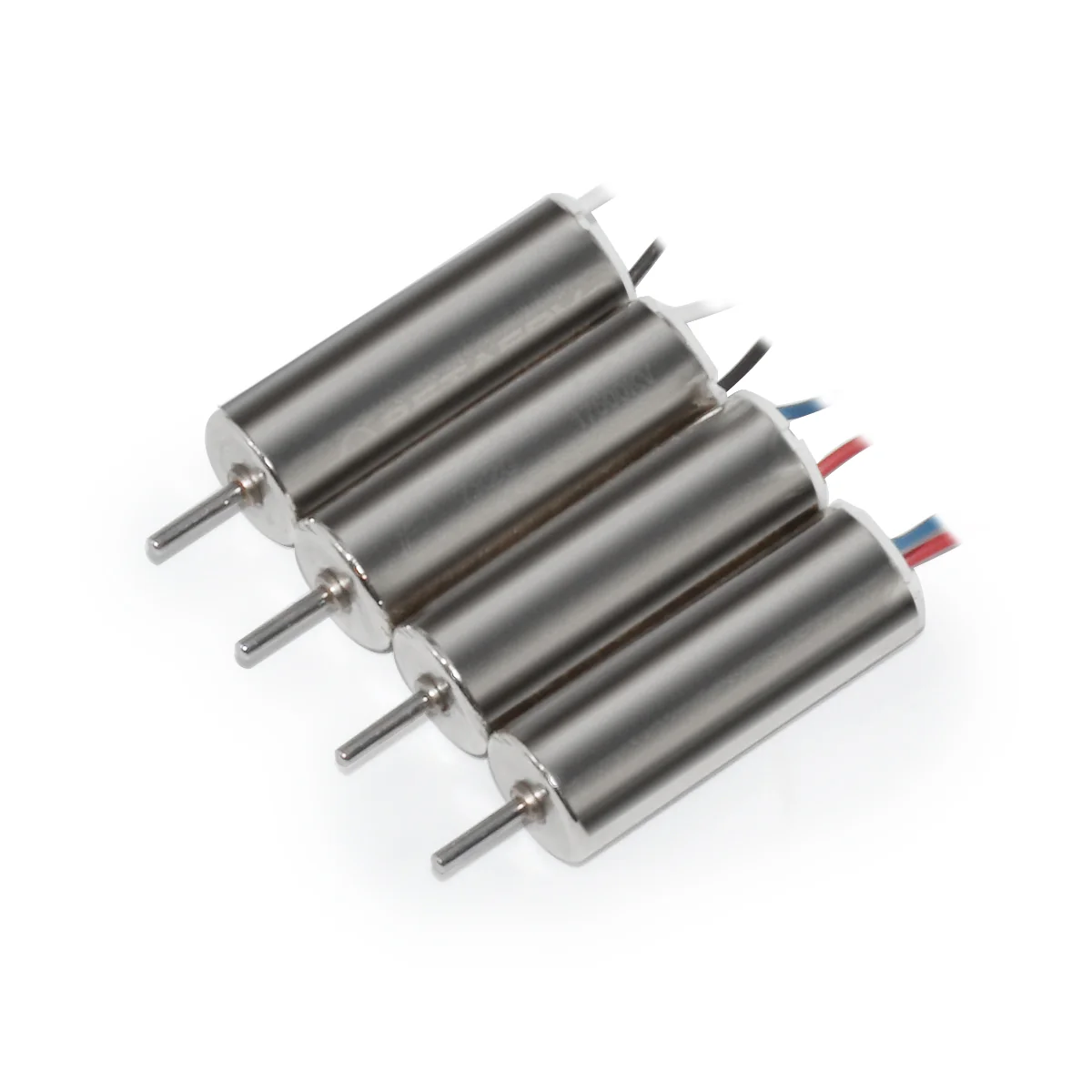
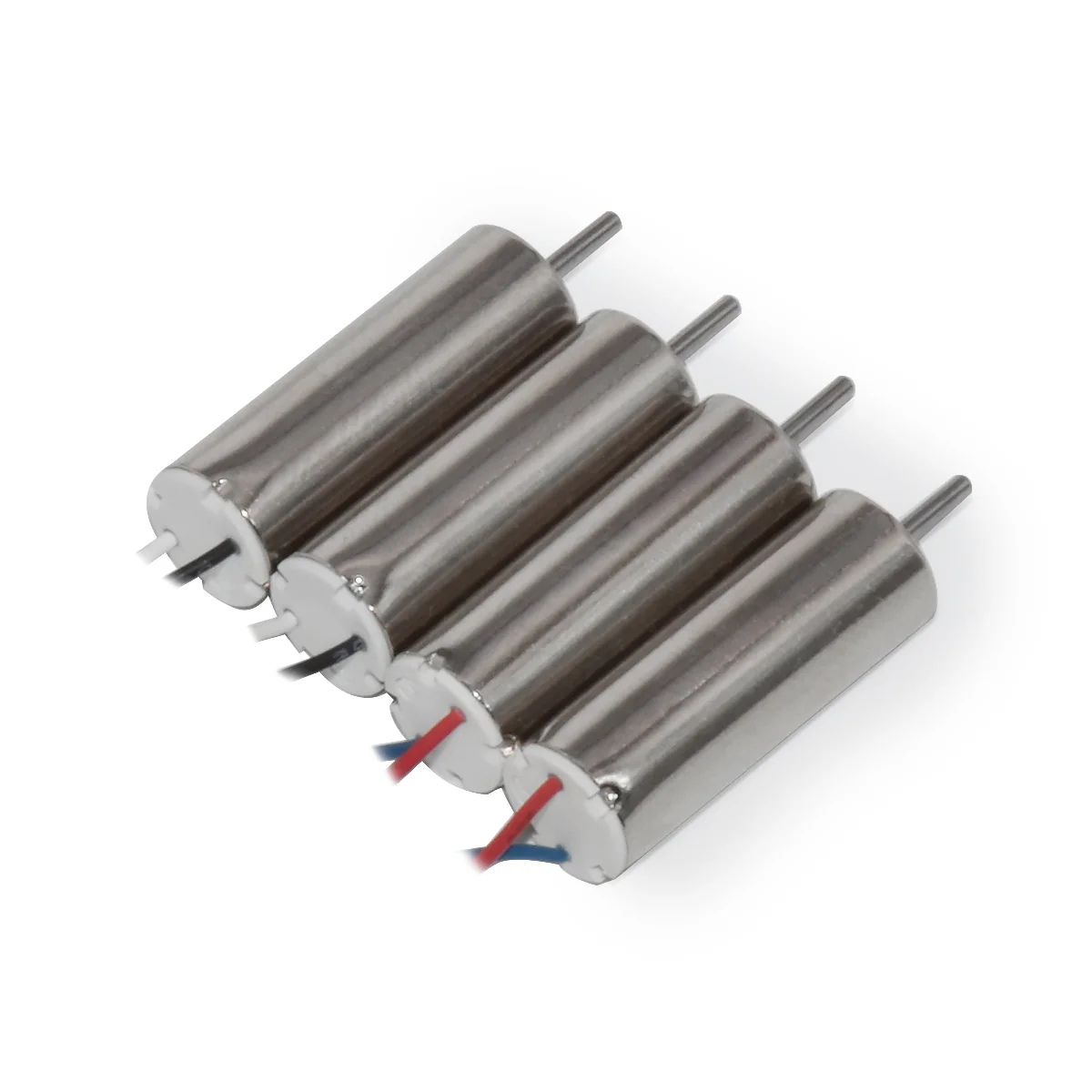
- ESC: All FETs are rated at 6.3A maximum. Support 6x15mm/7x20mm/8x20mm/8.5x20mm etc motors.
- Size: 26mm x 26mm,fully compatible with the Inductrix quad frame and mounting pattern
- Firmware version: Betaflight CRAZYBEEF3FS
- OSD: Built-in BetaFlight OSD (STM32 controls OSD chip over SPI in DMA mode)
- Receiver: SPI Flysky AFHDS 2A protocol
- Power Cable: 55mm, with JST-PH 2.0 connector, AKA PowerWhoop connector
- Weight: 3.7g
BetaFlight OSD
Betaflight OSD (on screen display) is integrated in BETAFPV F3 brushed flight controllers that shows important flight data on your FPV feed, such as battery voltage, current draw and much more. You can even use it as a menu to change your quad’s PID, rates, filters and other settings.
How would do an OSD with the AIO cameras?
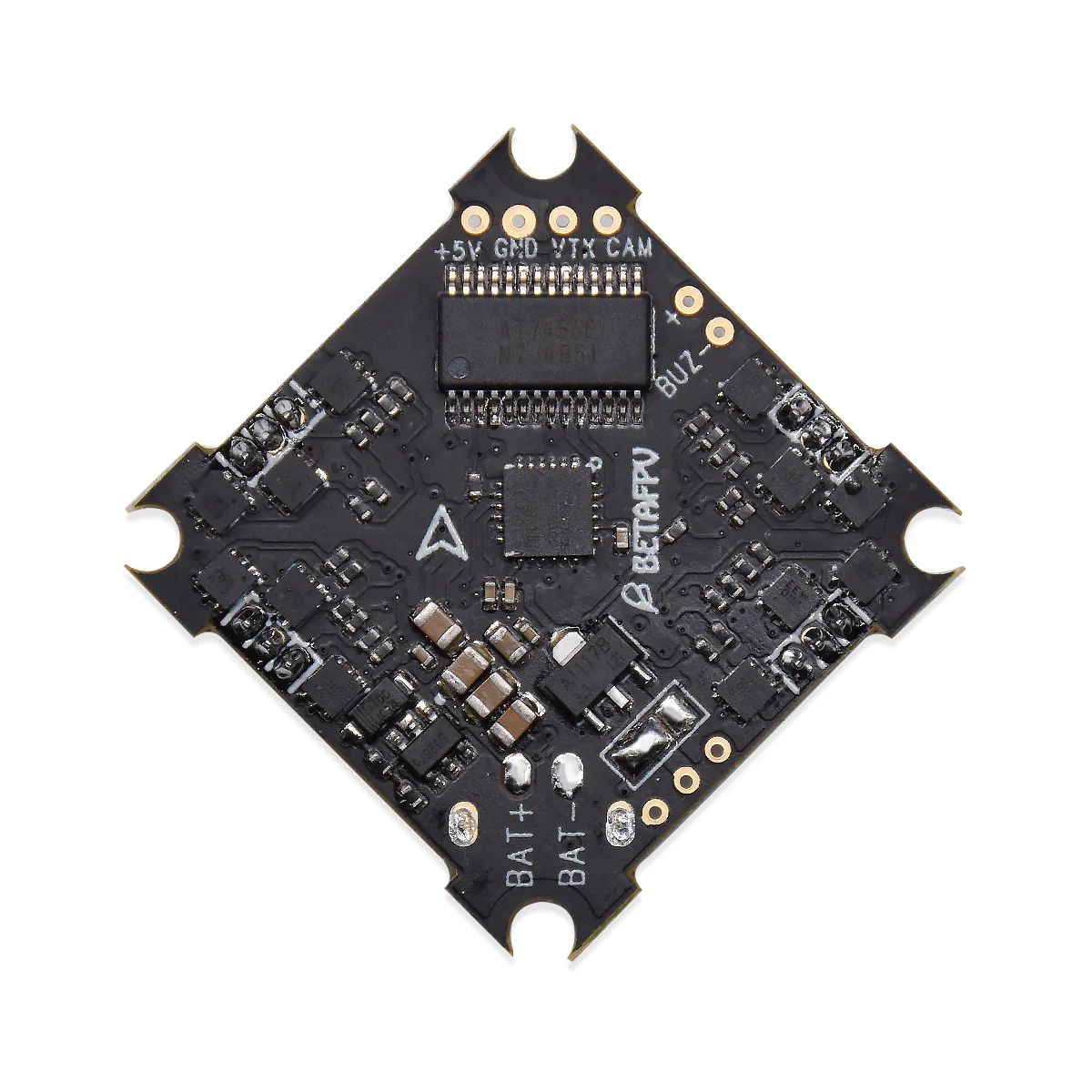
There is a video in and out on the fc itself, labeled CAM and VTX as show below.

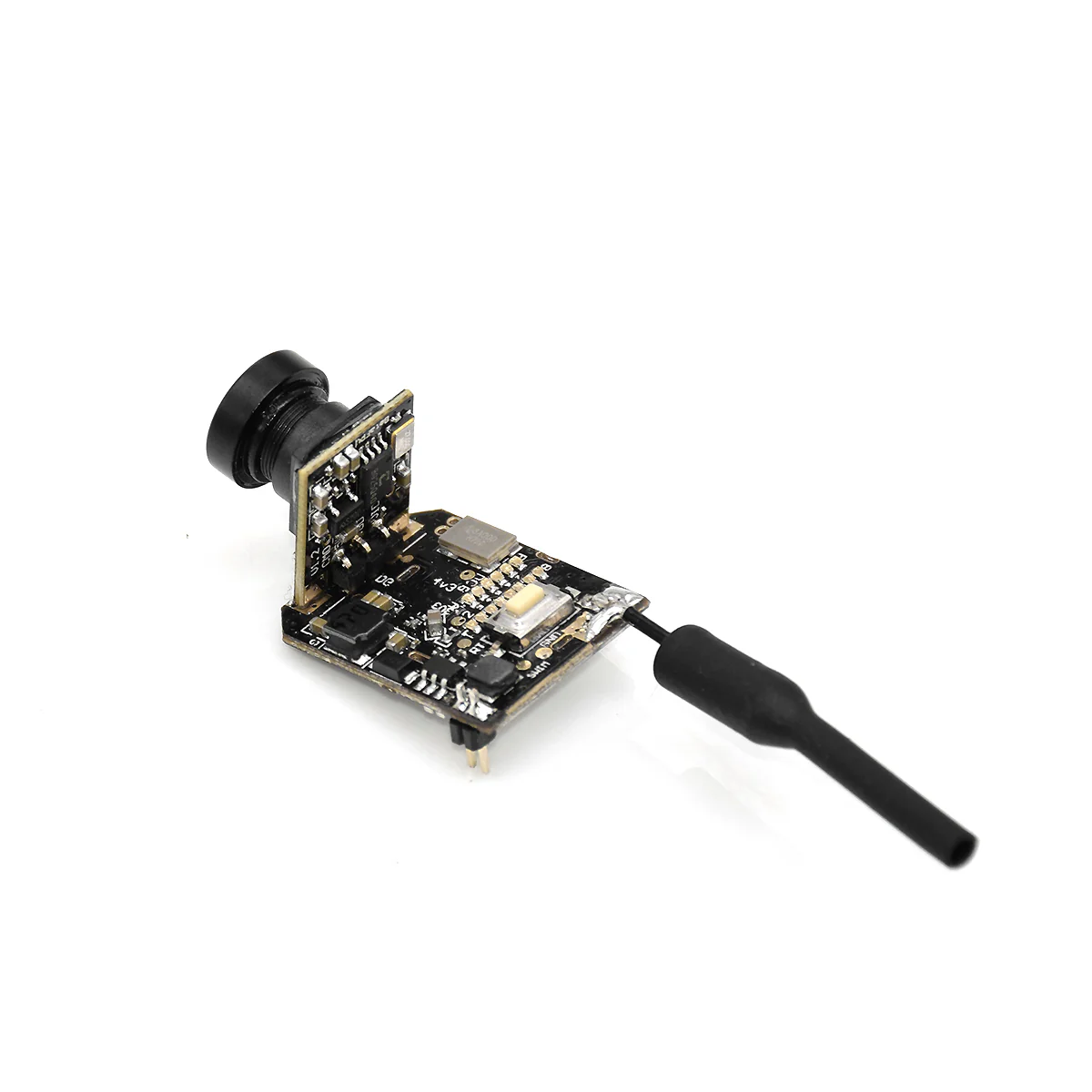
This FC board header pins connector are suitable for the Z02 AIO camera. No cables needed. Just plug and play.
BETAFPV Support Freshdesk for BetaFlight OSD Setup.
Tips: There is no current sensor on the FC boards. So the amperage value on the OSD is invalid.
Status LED
There are 4 LEDs on the bottom of the board to indicate the status, including Receiver LED ( Red), FC Status LED ( Blue) and FC Power LED ( Green, 2pcs).
|
LED |
Status |
Description |
|
Receiver LED (Red) |
Flashing quickly |
Bind mode |
|
Receiver LED (Red) |
Flashing slow |
Not connected |
| Receiver LED (Red) | Turn off | Connected |
|
Power LED (Green) |
Solid |
Power on (Battery) |
|
Status LED (Blue) |
Solid |
Motor Armed |
SPI Flysky Receiver
This FC board has a build-in SPI Flysky receiver. You should choose the SPI RX support in the Betaflight GUI. In default, it support Flysky AFHDS 2A protocol. Below is the correct configuration in Betaflight GUI.

Binding Procedure
Note: the red receiver LED will turn off when in successful connection.
- Click the bind-button meanwhile powering on the board, either by connecting the battery or USB power. Then the receiver will enter bind mode, indicated by red receiver LED flashs quickly.
- Now, on the radio, enter the bind status(or what it takes to enter bind status). This receiver only support AFHDS 2A mode and does not support AFHDS mode, please turn on this mode in your radio transmitter before use.
- The red receiver LED should turn off when binding is completed and successful.
For detail procedure of binding, please check the SPI Flysky Receiver Binding Manual.
Some pilots would complaint that it is definitely not a long range FC. It looses signal with my transmitter far too often and for what appears to be no reason. This issue is often caused by the location of the antenna. You should keep the antenna away from the FC board to get a stronger signal. For example, run the singal upwards. Thanks for Harley Finberg's advice.

Assemble Guide
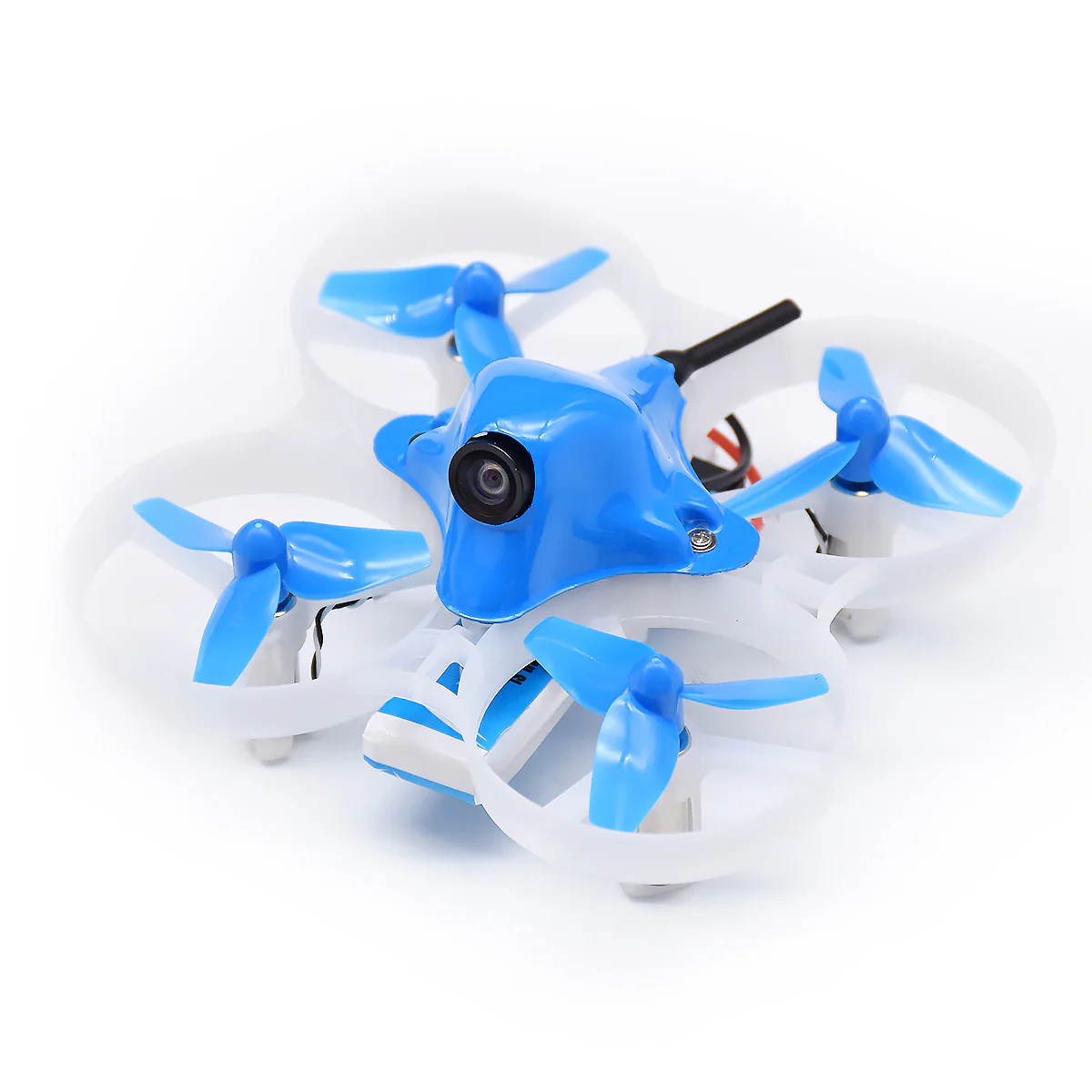
The mounting pattern of this board is compatible with all the Whoop Drone airframes, like the original stock Blade Inductrix frame or the Beta75 75mm frame. For other frames like Eachine E010 or E011, a little bit modify is need.
Package
- 1 * F3 OSD brushed flight controller ( 55mm PH-JST 2.0 power cable soldered)
- 4 * M1.2x4mm screws (Fit for stock Inductrix frame)
- 4 * M1.4x5mm screws (Fit for Beta75 etc 75mm frame)
- 4 * Anti-vibration ruber dampers

User Manuals
Go to BETAFPV Support Freshdesk for F3 Brushed Flight Controller
Original: $19.99
-65%$19.99
$7.00More Images
F3 Brushed Flight Controller (Flysky Rx + OSD V1)
We are sorry to announce that F3 Brushed FC is discontinued and will not be available for sales anymore. We recommend you buy its great alternative F4 Brushed Flight Controller (Frsky Rx + OSD).
Finally, BETAFPV is in the community of Flysky pilots.
Key Features
- This F3 flight controller intergrate BetaFlight OSD, SPI FlySky Rx, BetaFlight firmware, born for acro flight controller for the Micro Whoop or Blade Inductrix quadcopter.
- Fully programmable through Betaflight, using the onboard USB port, tune all the parameters, PID's, and rates to your perfect settings
- Designed to work with current Whoop Drone or Blade Inductrix setups
- Built in SPI Flysky protocol native receiver, compatible with almost ALL Flysky radios(e.g. FS-I6/FS-I6S) or Flysky compatible transmitter like Turnigy Evolution etc
- The flight controller board comes pre-flashed with Betaflight firmware, and pre-soldered 55mm power cable pigtail with JST-PH 2.0 connector, AKA PowerWhoop connector.
Note: The silkscreen of the "M1, M2, M3, M4" on the board are messed up.
Specifications
- CPU: STM32F303
- Six-Axis: MPU6000
- ESC: All FETs are rated at 6.3A maximum. Support 6x15mm/7x20mm/8x20mm/8.5x20mm etc motors.
- Size: 26mm x 26mm,fully compatible with the Inductrix quad frame and mounting pattern
- Firmware version: Betaflight CRAZYBEEF3FS
- OSD: Built-in BetaFlight OSD (STM32 controls OSD chip over SPI in DMA mode)
- Receiver: SPI Flysky AFHDS 2A protocol
- Power Cable: 55mm, with JST-PH 2.0 connector, AKA PowerWhoop connector
- Weight: 3.7g
BetaFlight OSD
Betaflight OSD (on screen display) is integrated in BETAFPV F3 brushed flight controllers that shows important flight data on your FPV feed, such as battery voltage, current draw and much more. You can even use it as a menu to change your quad’s PID, rates, filters and other settings.
How would do an OSD with the AIO cameras?
There is a video in and out on the fc itself, labeled CAM and VTX as show below.
This FC board header pins connector are suitable for the Z02 AIO camera. No cables needed. Just plug and play.
BETAFPV Support Freshdesk for BetaFlight OSD Setup.
Tips: There is no current sensor on the FC boards. So the amperage value on the OSD is invalid.
Status LED
There are 4 LEDs on the bottom of the board to indicate the status, including Receiver LED ( Red), FC Status LED ( Blue) and FC Power LED ( Green, 2pcs).
|
LED |
Status |
Description |
|
Receiver LED (Red) |
Flashing quickly |
Bind mode |
|
Receiver LED (Red) |
Flashing slow |
Not connected |
| Receiver LED (Red) | Turn off | Connected |
|
Power LED (Green) |
Solid |
Power on (Battery) |
|
Status LED (Blue) |
Solid |
Motor Armed |
SPI Flysky Receiver
This FC board has a build-in SPI Flysky receiver. You should choose the SPI RX support in the Betaflight GUI. In default, it support Flysky AFHDS 2A protocol. Below is the correct configuration in Betaflight GUI.
Binding Procedure
Note: the red receiver LED will turn off when in successful connection.
- Click the bind-button meanwhile powering on the board, either by connecting the battery or USB power. Then the receiver will enter bind mode, indicated by red receiver LED flashs quickly.
- Now, on the radio, enter the bind status(or what it takes to enter bind status). This receiver only support AFHDS 2A mode and does not support AFHDS mode, please turn on this mode in your radio transmitter before use.
- The red receiver LED should turn off when binding is completed and successful.
For detail procedure of binding, please check the SPI Flysky Receiver Binding Manual.
Some pilots would complaint that it is definitely not a long range FC. It looses signal with my transmitter far too often and for what appears to be no reason. This issue is often caused by the location of the antenna. You should keep the antenna away from the FC board to get a stronger signal. For example, run the singal upwards. Thanks for Harley Finberg's advice.
Assemble Guide
The mounting pattern of this board is compatible with all the Whoop Drone airframes, like the original stock Blade Inductrix frame or the Beta75 75mm frame. For other frames like Eachine E010 or E011, a little bit modify is need.
Package
- 1 * F3 OSD brushed flight controller ( 55mm PH-JST 2.0 power cable soldered)
- 4 * M1.2x4mm screws (Fit for stock Inductrix frame)
- 4 * M1.4x5mm screws (Fit for Beta75 etc 75mm frame)
- 4 * Anti-vibration ruber dampers
User Manuals
Go to BETAFPV Support Freshdesk for F3 Brushed Flight Controller
Product Information
Product Information
Shipping & Returns
Shipping & Returns
Description
We are sorry to announce that F3 Brushed FC is discontinued and will not be available for sales anymore. We recommend you buy its great alternative F4 Brushed Flight Controller (Frsky Rx + OSD).
Finally, BETAFPV is in the community of Flysky pilots.
Key Features
- This F3 flight controller intergrate BetaFlight OSD, SPI FlySky Rx, BetaFlight firmware, born for acro flight controller for the Micro Whoop or Blade Inductrix quadcopter.
- Fully programmable through Betaflight, using the onboard USB port, tune all the parameters, PID's, and rates to your perfect settings
- Designed to work with current Whoop Drone or Blade Inductrix setups
- Built in SPI Flysky protocol native receiver, compatible with almost ALL Flysky radios(e.g. FS-I6/FS-I6S) or Flysky compatible transmitter like Turnigy Evolution etc
- The flight controller board comes pre-flashed with Betaflight firmware, and pre-soldered 55mm power cable pigtail with JST-PH 2.0 connector, AKA PowerWhoop connector.
Note: The silkscreen of the "M1, M2, M3, M4" on the board are messed up.
Specifications
- CPU: STM32F303
- Six-Axis: MPU6000
- ESC: All FETs are rated at 6.3A maximum. Support 6x15mm/7x20mm/8x20mm/8.5x20mm etc motors.
- Size: 26mm x 26mm,fully compatible with the Inductrix quad frame and mounting pattern
- Firmware version: Betaflight CRAZYBEEF3FS
- OSD: Built-in BetaFlight OSD (STM32 controls OSD chip over SPI in DMA mode)
- Receiver: SPI Flysky AFHDS 2A protocol
- Power Cable: 55mm, with JST-PH 2.0 connector, AKA PowerWhoop connector
- Weight: 3.7g
BetaFlight OSD
Betaflight OSD (on screen display) is integrated in BETAFPV F3 brushed flight controllers that shows important flight data on your FPV feed, such as battery voltage, current draw and much more. You can even use it as a menu to change your quad’s PID, rates, filters and other settings.
How would do an OSD with the AIO cameras?
There is a video in and out on the fc itself, labeled CAM and VTX as show below.
This FC board header pins connector are suitable for the Z02 AIO camera. No cables needed. Just plug and play.
BETAFPV Support Freshdesk for BetaFlight OSD Setup.
Tips: There is no current sensor on the FC boards. So the amperage value on the OSD is invalid.
Status LED
There are 4 LEDs on the bottom of the board to indicate the status, including Receiver LED ( Red), FC Status LED ( Blue) and FC Power LED ( Green, 2pcs).
|
LED |
Status |
Description |
|
Receiver LED (Red) |
Flashing quickly |
Bind mode |
|
Receiver LED (Red) |
Flashing slow |
Not connected |
| Receiver LED (Red) | Turn off | Connected |
|
Power LED (Green) |
Solid |
Power on (Battery) |
|
Status LED (Blue) |
Solid |
Motor Armed |
SPI Flysky Receiver
This FC board has a build-in SPI Flysky receiver. You should choose the SPI RX support in the Betaflight GUI. In default, it support Flysky AFHDS 2A protocol. Below is the correct configuration in Betaflight GUI.
Binding Procedure
Note: the red receiver LED will turn off when in successful connection.
- Click the bind-button meanwhile powering on the board, either by connecting the battery or USB power. Then the receiver will enter bind mode, indicated by red receiver LED flashs quickly.
- Now, on the radio, enter the bind status(or what it takes to enter bind status). This receiver only support AFHDS 2A mode and does not support AFHDS mode, please turn on this mode in your radio transmitter before use.
- The red receiver LED should turn off when binding is completed and successful.
For detail procedure of binding, please check the SPI Flysky Receiver Binding Manual.
Some pilots would complaint that it is definitely not a long range FC. It looses signal with my transmitter far too often and for what appears to be no reason. This issue is often caused by the location of the antenna. You should keep the antenna away from the FC board to get a stronger signal. For example, run the singal upwards. Thanks for Harley Finberg's advice.
Assemble Guide
The mounting pattern of this board is compatible with all the Whoop Drone airframes, like the original stock Blade Inductrix frame or the Beta75 75mm frame. For other frames like Eachine E010 or E011, a little bit modify is need.
Package
- 1 * F3 OSD brushed flight controller ( 55mm PH-JST 2.0 power cable soldered)
- 4 * M1.2x4mm screws (Fit for stock Inductrix frame)
- 4 * M1.4x5mm screws (Fit for Beta75 etc 75mm frame)
- 4 * Anti-vibration ruber dampers
User Manuals
Go to BETAFPV Support Freshdesk for F3 Brushed Flight Controller